SEC. 01The Problem
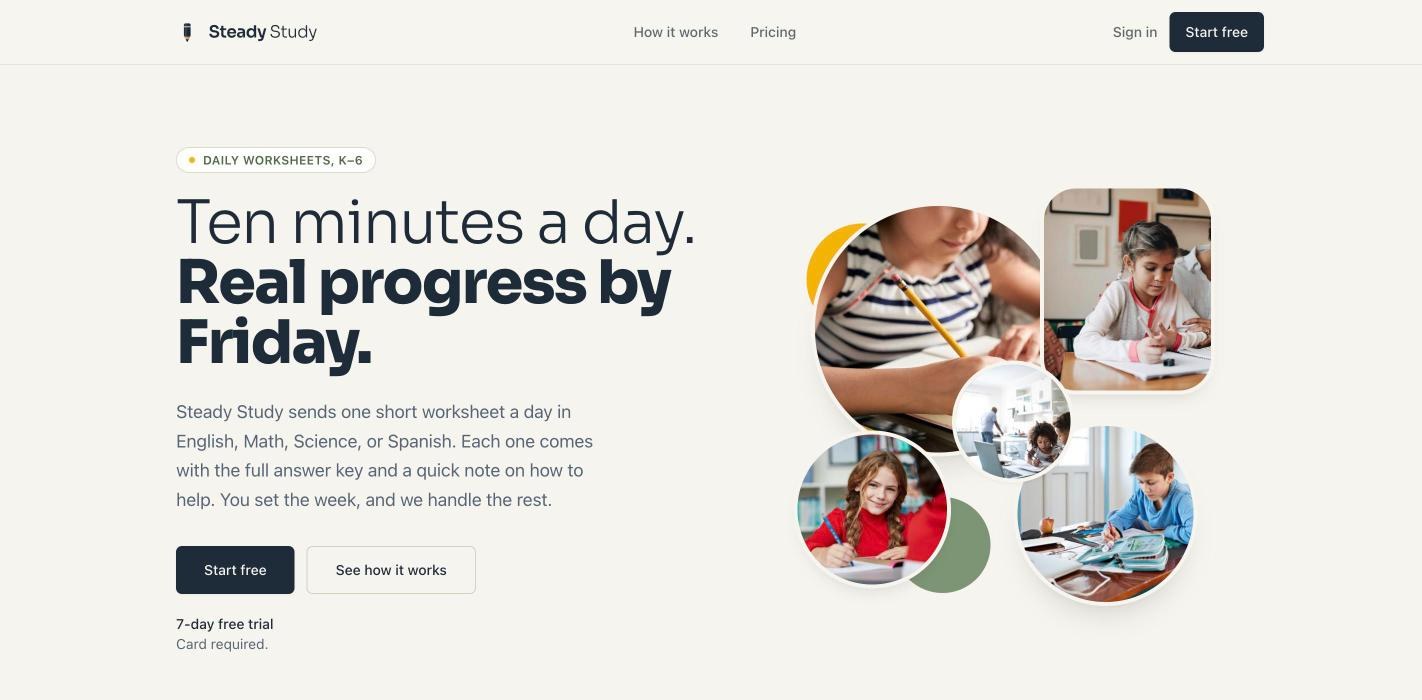
Daily practice works. Ten focused minutes a day does more than an hour of cramming on Sunday night. The trouble is that most parents don't have the time to find or write a good worksheet every day, and the free ones online are either too easy, too hard, or the same sheet the kid did last week.
I wanted something a parent could set up once and then forget about: the right worksheet shows up each day, at the right level, with enough support that the parent can help without becoming the teacher.
SEC. 02The Learning Design
This is an instructional design project first and a software project second. The decisions that matter most are about the learner and the adult sitting next to them:
- Short and daily. About ten minutes, one subject per day. The parent picks the subject for each day of the week, and blank days are simply skipped.
- Built from standards and templates. Worksheets are generated from grade-level standards and worksheet templates I wrote, not from an open-ended prompt.
- Support for the adult. Every worksheet has a full answer key and a short Parent Guide on how to help with that day's skill.
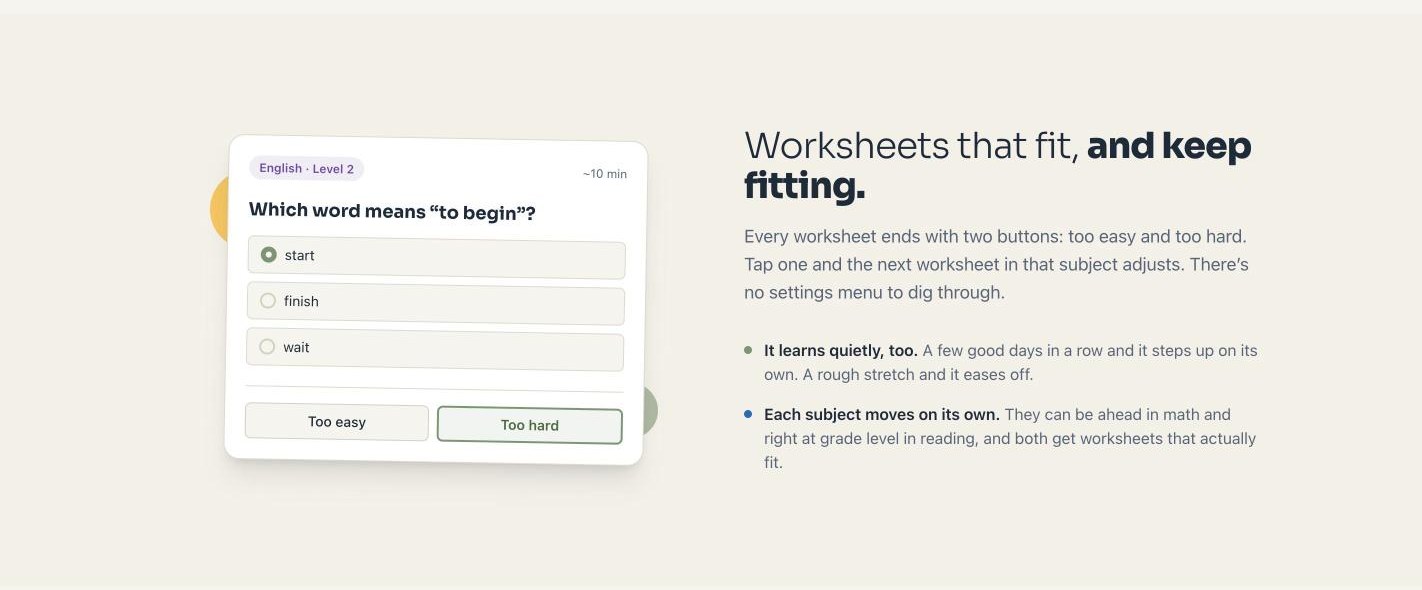
- Difficulty that follows the child. Two buttons at the end, Too easy and Too hard, adjust the next worksheet in that subject. It also adjusts on its own: a few strong days and it steps up, a rough stretch and it eases off.
- Each subject moves on its own. A child can be ahead in math and right at grade level in reading, and both get worksheets that fit.
SEC. 03How It Works Under the Hood
Every night a scheduled job builds the next day's worksheets. Claude writes the content, a separate automated safety check reviews it before any child sees it, and the parent gets a short email when it's ready.
| Step | Stage | What happens |
|---|---|---|
| 01 | Schedule | Find every child with a subject set for tomorrow |
| 02 | Generate | Claude writes the worksheet, answer key and Parent Guide from the grade, subject, current level and template |
| 03 | Safety check | An automated content check runs before anything is published |
| 04 | Publish or hold | Good worksheets go to the parent dashboard; anything that fails is rejected or held for review |
| 05 | Notify | The parent gets a short "worksheet is ready" email |
| 06 | Report | The run emails me a summary if anything was rejected, held, failed to send or ran out of time |
The stack is small on purpose, so one person can run it:
I built it with Claude Code. Before any code, I wrote a phased build plan with exit criteria for every phase, from the data model through generation, scheduling, email and reliability, and worked through it phase by phase. That is the same way I'd scope a training project: define what done looks like before anyone starts building.
SEC. 04Built to Be Trusted
A product for kids and parents has to earn trust, so a lot of the work went into things nobody sees on the home page:
- Parent-only accounts. Kids never sign in. The app stores only what it needs: a nickname, birth month and year, subject progress and worksheet answers. Closing an account deletes the data.
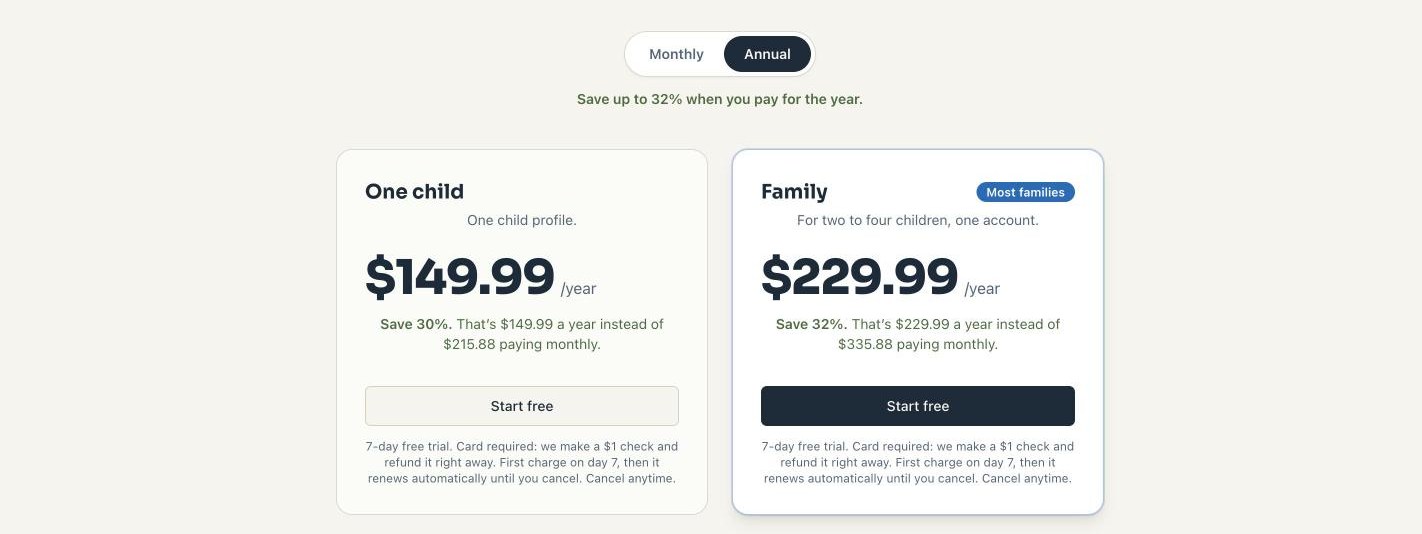
- Plain-language billing. After sign-up, parents get an email that spells out the plan, the price, when the first charge happens and how to cancel. Cancelling takes the same few clicks as signing up.
- A safety check on every worksheet. Nothing generated goes out unchecked, and parents have a link on every worksheet to report a problem.
- Alerts when something breaks. If the nightly run fails, a billing webhook errors or a parent hits an error page, I get an email with what happened and how to re-run it.
SEC. 05Where It Stands
Steady Study is live at steadystudy.org, with paid plans, a seven-day free trial and worksheets going out every day.
For me, it's proof of the way I like to work: start from how people actually learn, design the experience around that, and use AI to build it fast without giving up control of the quality.